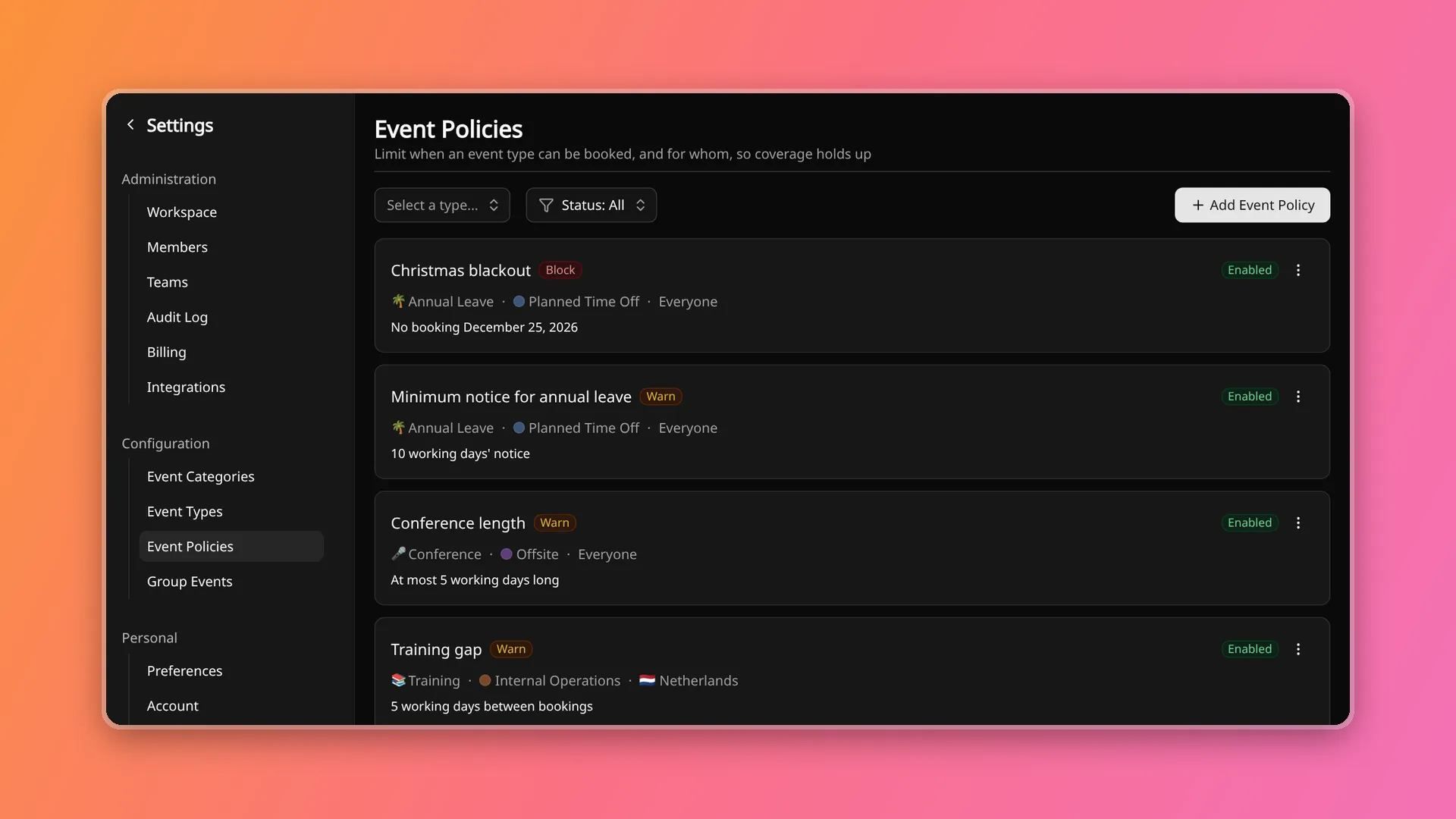
Coverage gaps are often decided weeks before they show up, when a booking goes in for a period the team cannot spare. Event type policies let a workspace write those rules down where bookings are made, so the person adding an event sees the rule at that moment rather than in a later conversation.
Rules on an event type
A policy belongs to one member event type, such as annual leave or a conference. It needs at least one rule, and a booking has to satisfy every rule that is set.
- Blackout dates: date ranges in which the event type cannot be booked
- Minimum and maximum length for a single booking
- Gap between bookings: the minimum time between a booking and the member’s nearest other event of the same type
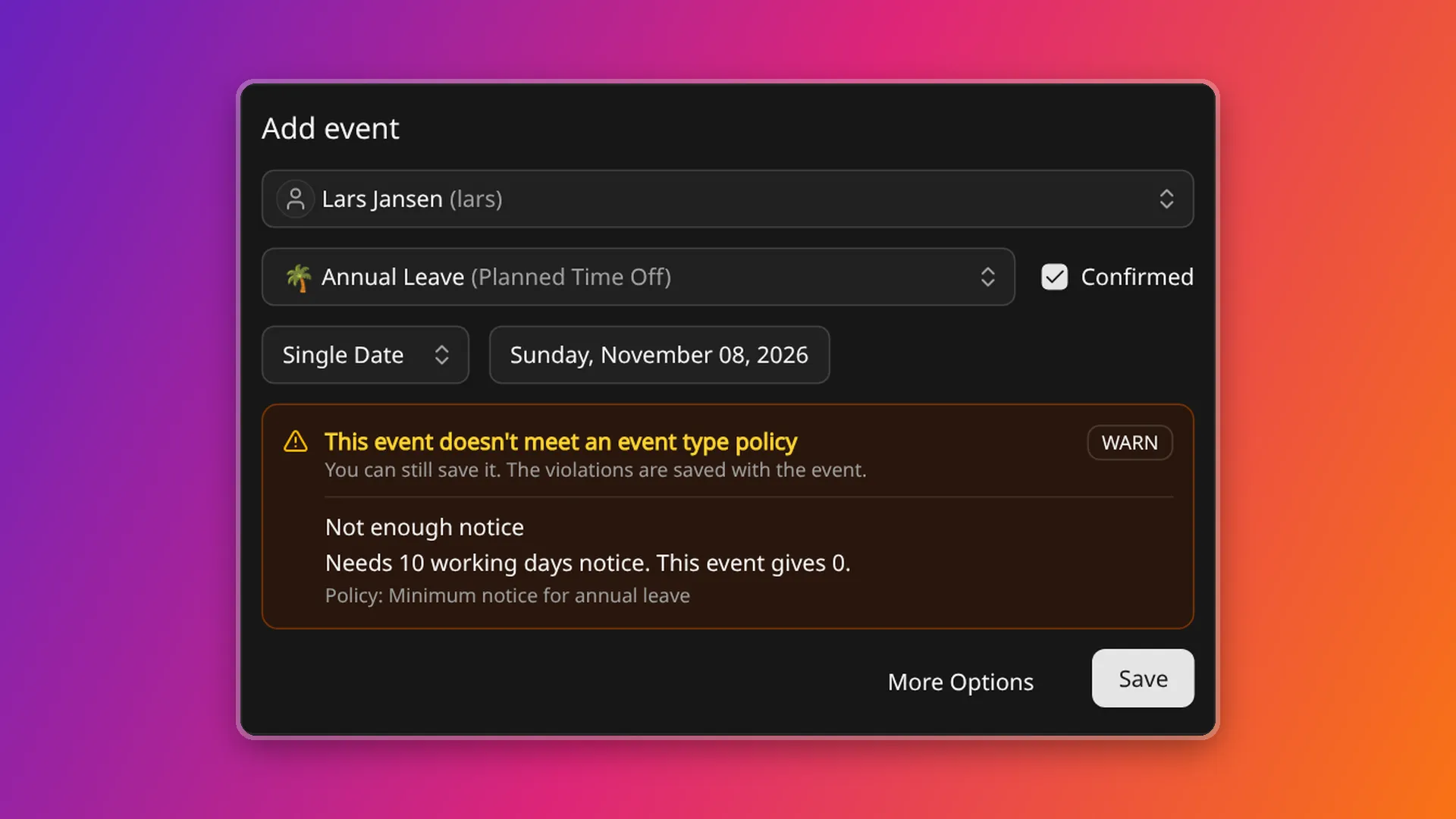
- Advance notice: the minimum number of days between logging an event and its start
Length, gap and notice are counted in working days or calendar days, chosen per rule. Working days follow the same rule as coverage, so a member’s non-working days and public holidays from group events do not count towards notice.
A policy applies to everyone by default, and can be narrowed to members by country, region, job title or tags. When several policies apply to one booking, all of them are checked and the strictest limit decides.
Warn and Block
Each policy has an enforcement level.
- Warn, on every plan: the booking is saved, and the form shows which rule it breaks, with the limit and the booking’s value
- Block, on Standard and Business: the booking is rejected unless an approver overrides the policy when saving. Approvers are workspace admins and the owners of the member’s teams, and on Business also the member’s team admins. The override takes an optional reason
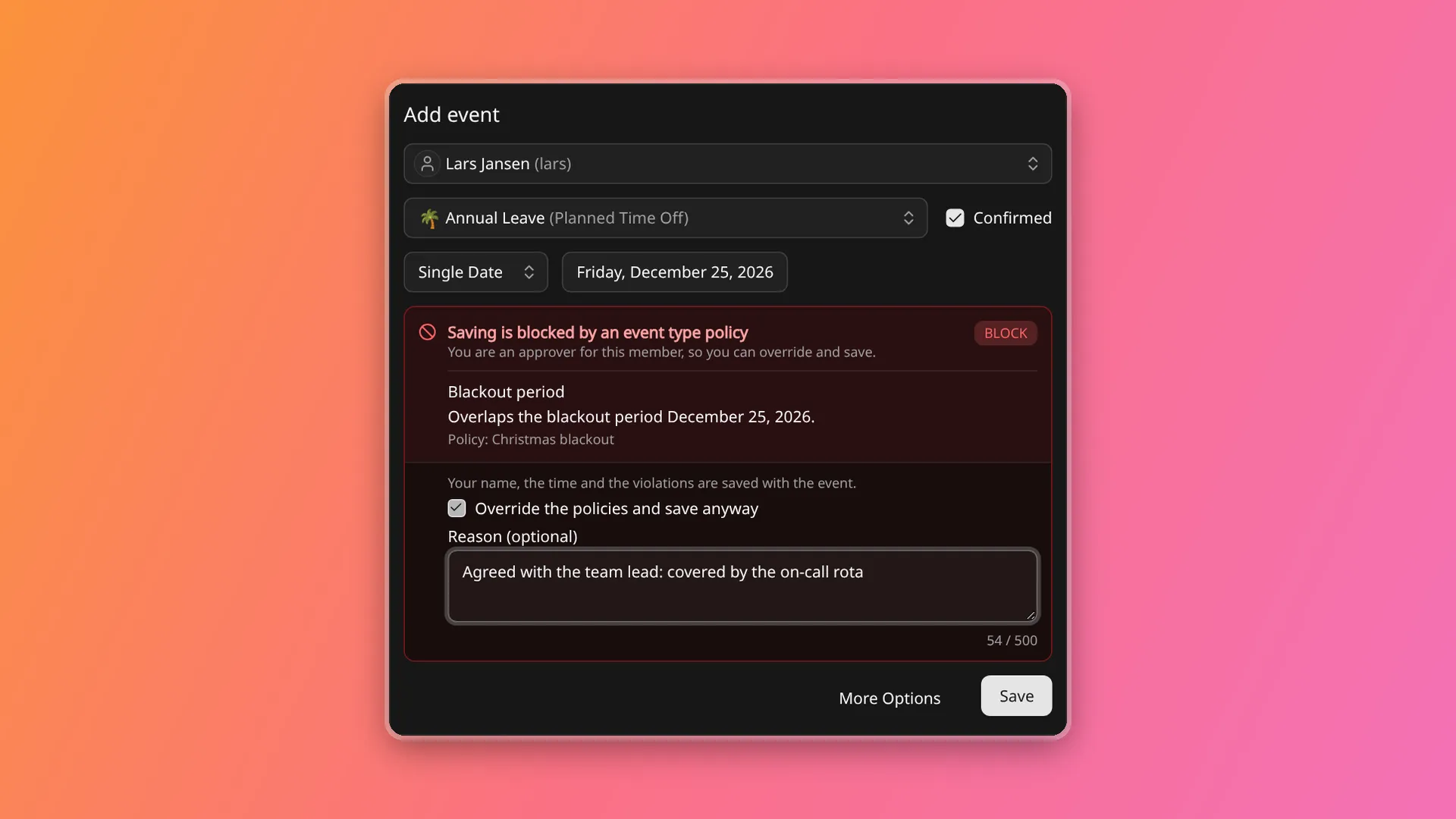
A policy set to Block on Free acts as Warn, and the setting takes effect after an upgrade.
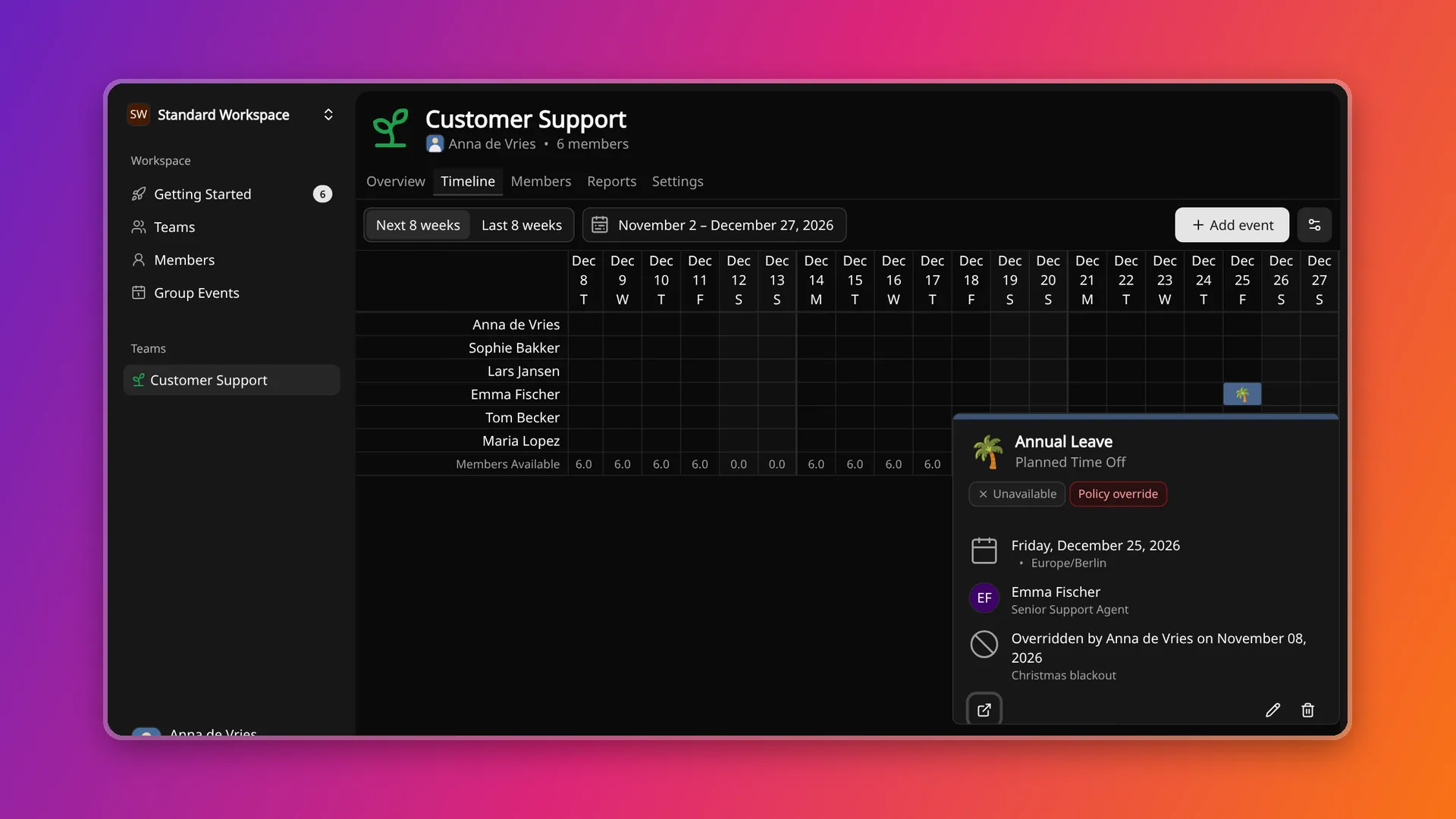
The violations found when a booking is saved are stored on the event, Warn ones included, together with any override. They show on the event in the timeline and in its audit entry. Creating or changing a policy does not re-judge events that already exist.
What it is not
A policy is a guard rail around the booking form. It does not approve leave or count allowances, and group events are not checked. The full behaviour is in the event type policies guide, and plan details are on the pricing page.
See your team's real capacity.
Start free with your whole team — no credit card required.